 XP TRACKER
Break a big goal into steps
Write your goal, pick a deadline and the hours you can give each week. The builder splits the goal into phases like a boss's health bar, dates each one, keeps a buffer at the end and gives you one small step to take today.
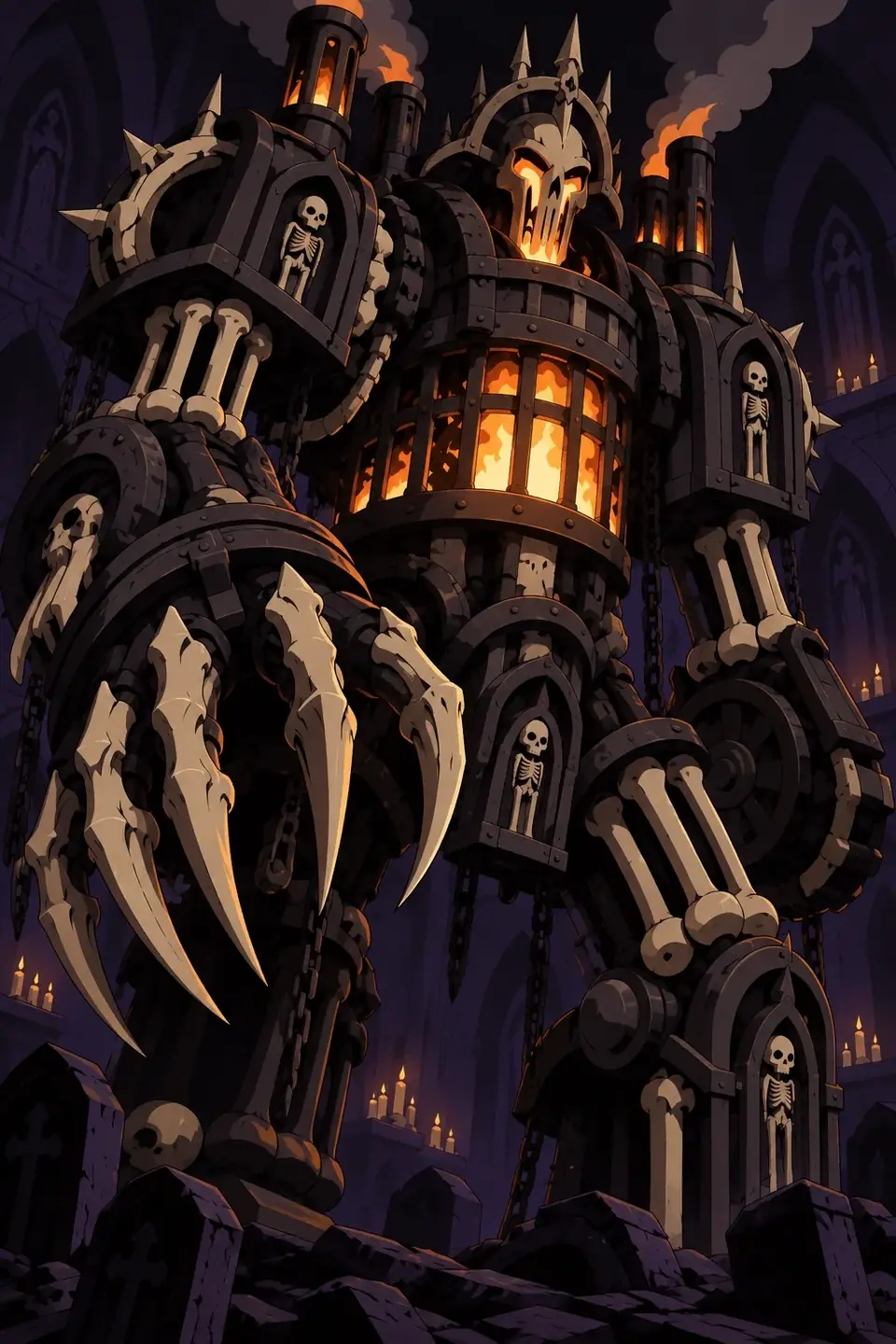
Build your goal boss
How the builder splits a goal
It counts the days from today to your deadline and keeps about a tenth of them as a buffer at the end, at least a week once the plan runs longer than six weeks. The rest it divides evenly between your phases. Each phase gets a date, and the hours line shows how much time that really is: 3 hours a week for 12 weeks is 36 hours, which is 9 hours per phase across four phases.
Seeing the hours is often the most useful part. "Learn Spanish by summer" sounds fine until you see it means 9 hours per phase. That number tells you whether the plan is honest.
The suggested phases are generic on purpose. Use them as a starting draft and rewrite them under Write your own phases. A phase works best when it ends with something you can see: a finished draft, a 5 km run, the first three applications sent.

An example
| Phase | Weeks | Example output |
|---|---|---|
| 1. Easy routine | 1 to 3 | Three 20-minute runs a week |
| 2. Build up | 4 to 6 | Longest run grows to 6 km |
| 3. Hold steady | 7 to 9 | Comfortable 8 km once a week |
| 4. Test day | 10 to 11 | One easy 10 km a week before race day |
| Buffer | 12 | Rest, catch up, race |
This is a 12-week plan at about 3 hours a week. Your numbers will differ. If you have a health condition or haven't trained in a long time, check with a doctor before you start.
Common mistakes
- Phases with no finish line. "Work on the book" never ends. "Finish chapter three" does.
- Planning at your best pace. Use the hours you give in a normal week, including the weeks you are tired.
- No first step. The plan stays a plan until you take a step small enough to start today. Gollwitzer's work on implementation intentions (1999) found that deciding when and where you will act makes starting much more likely. The if-then planner helps with that part.
- Never looking back. Put a 10-minute review in your calendar every two weeks and move dates if a phase runs long.
If your goal still feels vague, shape it first with the SMART goal builder, then come back here.
Do this today
Build the boss, print it, and do the first hit in the next hour while the plan is fresh. Then block your weekly hours in your calendar for the next two weeks.
Questions people ask
How do you break a big goal into smaller steps?
Work backwards. Name the finished result, split it into three to six phases that each end with something you can see, then give each phase a date. Finally, name the very first action, small enough to do in 15 minutes. The builder does the dates and the math for you.
How many milestones should a goal have?
Three to six is a good range for a goal of a few months. Fewer and each phase feels endless. More and you spend your time planning instead of doing.
Why does the plan keep a buffer at the end?
Plans almost always run late. Illness, work rushes and holidays happen. The builder keeps roughly the last tenth of your time free, so a slow week doesn't break the whole plan.
What if the deadline is too close?
The builder warns you when there are fewer weeks than phases, or when the hours look thin. Then you have three honest options: move the date, give more hours a week, or shrink the goal.
Why call it a boss?
A boss is a big target you wear down with many small hits. Seeing the bar drop phase by phase makes slow progress visible, which helps on weeks when the finish line feels far away.
Related pages




Start your journey
Pick a class, do the day's quests, and watch your hero level up with you.
Start free on iPhone and Android.
Scan to install Point your phone camera at the code. iPhone opens the App Store, Android opens Google Play.